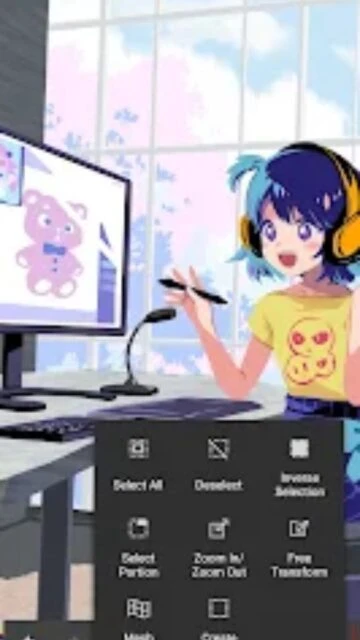
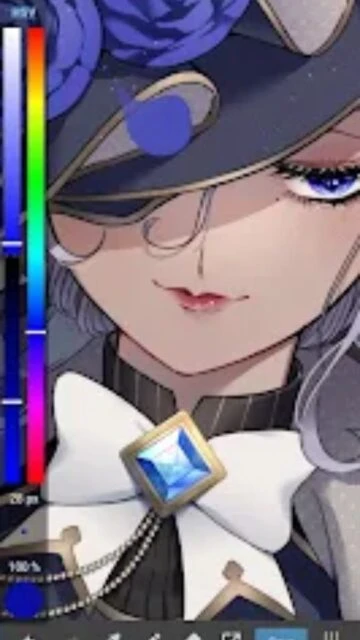
MediBang Paint – Professional art drawing with 700+ brushes

MediBang Paint is a professional digital art app with 180+ default brushes, comic tools, PSD support, and cloud sync for seamless cross-device creation.

About MediBang Paint:Draw Art, Comic

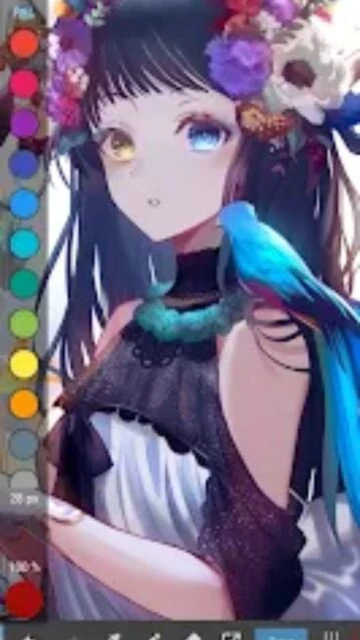
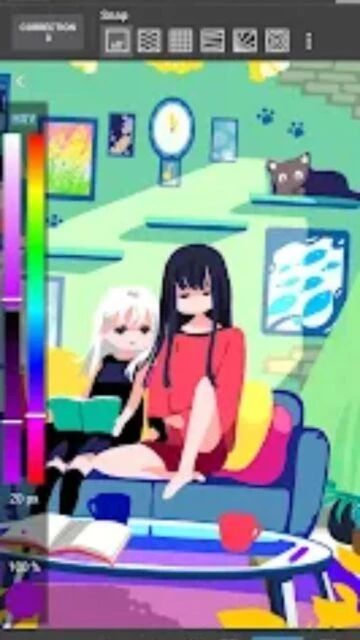
MediBang Paint is a full-featured digital art platform offering both free and premium drawing tools. The app includes over 180 brushes, layer system, and support for industry-standard PSD files. Professional features like comic paneling, screen tones, and CMYK color mode make it suitable for serious artists and publishers.

Designed for artistic expression across devices, MediBang Paint combines accessibility with professional capabilities. Cloud synchronization enables seamless workflow between smartphone, tablet, and desktop. Community features allow artists to share timelapse videos and connect with creators globally.

Features Of MediBang Paint:Draw Art, Comic

  • 180+ professionally designed brushes with pressure sensitivity and custom creation
  • PSD file support enabling compatibility with Photoshop and professional workflows
  • Advanced layer system with blending modes and opacity controls for complex compositions
  • Built-in comic panel editor with screen tones and specialized typography for manga creation
  • Cloud synchronization across iOS, Android and desktop platforms for seamless project continuity
  • CMYK color mode support for professional publishing and print-ready artwork production
  • Collaborative drawing features enabling multiple artists to work simultaneously on shared canvases
  • Timelapse recording functionality to showcase artistic process and create engaging video content

Premium Features in the Paid Plan

  • 700+ additional professional brushes available only with Premium subscription for expanded artistic possibilities
  • Remove Ads addon eliminating interruptions during creative workflow for uninterrupted drawing sessions
  • Creative Pack providing advanced filters and effects for enhanced visual capabilities and stylization options
  • Cloud storage expansion enabling larger project files and greater backup capacity for professional artists
  • Exclusive premium brushes optimized for specific artistic styles including calligraphy and watercolor effects
  • Advanced export options supporting multiple formats including TIFF for archival and professional use
  • Priority customer support ensuring faster response times for technical issues and feature inquiries
  • Access to exclusive tutorials and professional resources for skill development and technique mastery

Free with in-app purchases ($2.99–$9.99 for premium plans)

Free vs Premium Comparison

Feature Free Premium
Brush Library 180 brushes with basic tools 700+ brushes with advanced customization
File Format Support Basic PSD export Full PSD, CMYK, TIFF support
Cloud Sync Limited storage with basic sync Expanded cloud storage with full sync
Comic Tools Basic panel and tone tools Advanced comic creation suite
Advertisements Includes ads between actions Ad-free experience available
Collaboration Limited sharing capabilities Full collaborative drawing features

Frequently Asked Questions

Can I use MediBang Paint files in Photoshop?

Yes, MediBang Paint fully supports PSD file format. You can save artwork in PSD format and open it directly in Adobe Photoshop for further editing. CMYK mode is also supported for professional print workflows.

Is MediBang Paint free to use?

Yes, MediBang Paint offers a free version with 180 brushes and core features. Premium subscriptions ($2.99u2013$9.99) unlock 700+ additional brushes, ad-free experience, and advanced features. Most features are accessible in the free version.

How does cloud synchronization work?

MediBang Paint automatically syncs your projects across all your devices when you're logged in. Your artwork saves to the cloud, allowing you to start on one device and continue on another seamlessly without manual file transfers.

Can I create comics and manga with this app?

Yes, MediBang Paint includes specialized comic creation tools with panel editors, screen tones, speech bubbles, and 60+ fonts optimized for manga and comic production. Professional manga artists use this app globally.

What are the minimum system requirements?

MediBang Paint requires iOS 16.0 or later on Apple devices and Android 7.0 or higher on Android devices. The app requires approximately 164.4 MB of storage space for installation.

Does MediBang Paint work with styluses?

Yes, MediBang Paint is fully optimized for styluses including Apple Pencil, Samsung S Pen, and other pressure-sensitive styluses. The brush engine responds to pressure, tilt, and velocity for authentic drawing experience.