Is Loom free to use?
Loom offers a free plan with limited storage and video length. Premium subscriptions provide unlimited recording and advanced features.
 43
43

Record your screen and camera with Loom
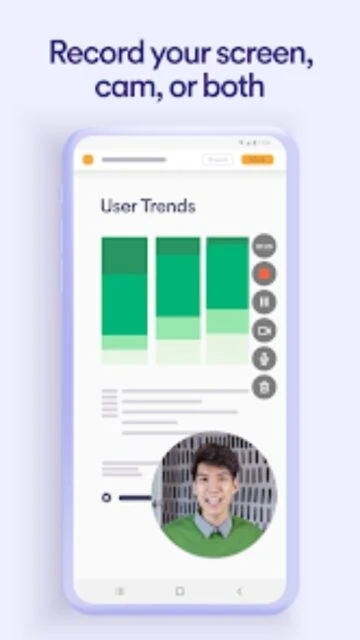
Record and instantly share screen and camera videos for remote work and async updates.
Loom is a leading video messaging platform that lets users quickly record and share screen or camera videos. Its main purpose is to speed up team and project communication by reducing reliance on real-time meetings. The app supports HD video, instant sharing, and powerful collaboration tools. Loom is highly valued for remote work, asynchronous updates, and support roles, providing advanced reactions, editing, and privacy controls.
Free with in-app purchases
| Feature | Free | Premium |
|---|---|---|
| Video Length | Up to 5 min | Unlimited |
| Recording quality | HD | Full HD/4K |
| Video sharing | Links only | Links, embeds, integrations |
| Cloud storage | Limited library | Unlimited video library |
| Editing tools | Basic trims | Advanced trimmer and captions |
| Support | Community/self service | Priority enterprise support |
| Privacy controls | Basic link privacy | Advanced admin settings |
Loom offers a free plan with limited storage and video length. Premium subscriptions provide unlimited recording and advanced features.
All videos are stored securely in the cloud. Users can control privacy settings, and only shared links or members can view content.
Yes, Loom has built-in trimming and editing features for quick adjustments before sharing videos with others.
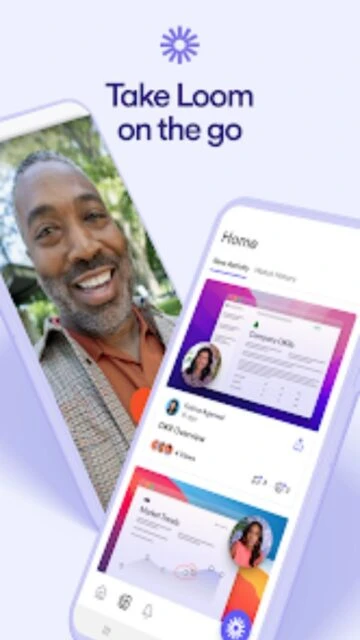
Loom works on Android, iOS (17.0+), and web browsers, ensuring flexibility for mobile and desktop workflows.
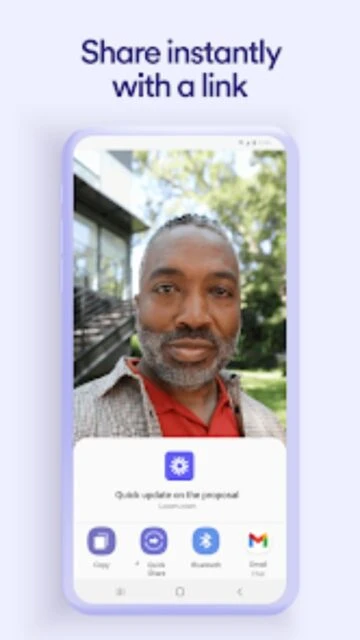
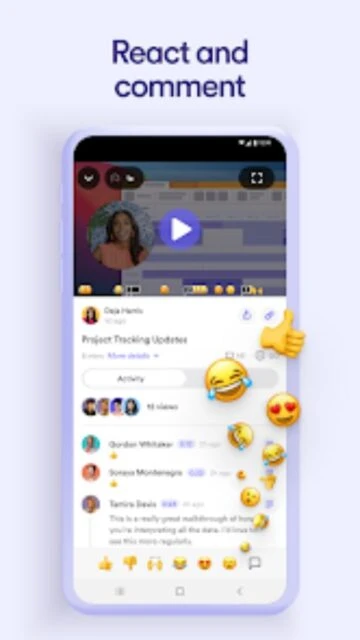
Share instantly using generated links. Recipients can watch, comment, or react in-browser or on their own devices.