Can I remove the watermark for free?
Yes, in the free version you can sometimes remove the watermark for a single video by watching a short advertisement, but the Pro version removes it permanently.
 73
73

Powerful video editor & photo editor with professional features
A powerful, all-in-one video editing powerhouse designed for creators who need professional results directly from their mobile devices without complex desktop software.
InShot allows users to create stunning videos with advanced features usually reserved for desktop software. It serves as a comprehensive production studio in your pocket, handling everything from basic cuts to complex compositing tasks.
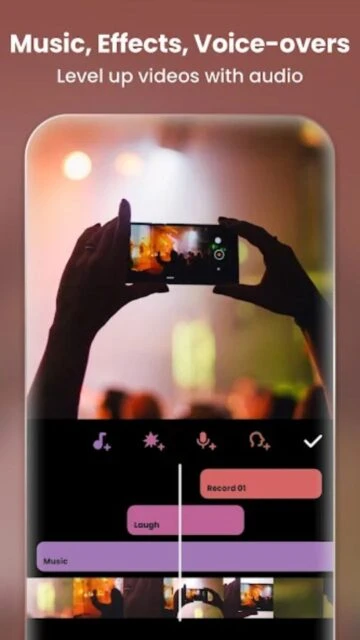
Beyond simple editing, the app provides a vast resource library of royalty-free music, cinematic filters, and trending visual effects. This capability makes it an indispensable tool for maintaining a consistent and high-quality visual presence across various digital channels.
Free / Pro $3.99/mo or $14.99/yr
| Feature | Free | Premium |
|---|---|---|
| Watermark | Present on exports | Completely removed |
| Export Resolution | Up to 1080p | Up to 4K 60fps |
| Filters & Effects | Basic selection | Full library access |
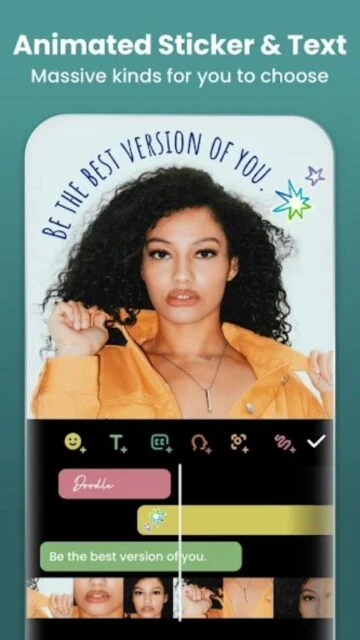
| Stickers & Text | Standard pack | Premium animated packs |
| Ads | Display ads present | No ads |
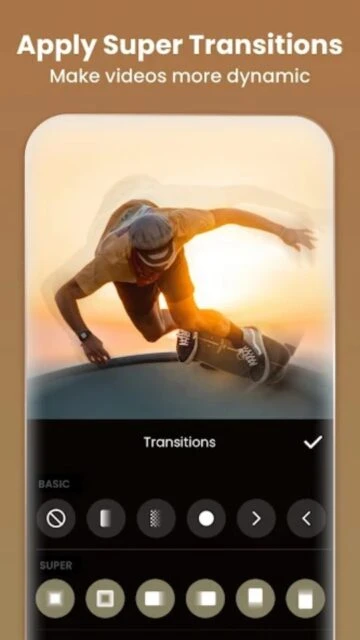
| Transitions | Limited basic cuts | All professional transitions |
Yes, in the free version you can sometimes remove the watermark for a single video by watching a short advertisement, but the Pro version removes it permanently.
Yes, InShot supports importing and exporting videos in 4K resolution, provided your device hardware supports high-resolution video processing.
InShot automatically saves your progress in the 'Drafts' section, allowing you to return and continue editing your projects at any later time.
Absolutely, you can import your own music files (MP3, etc.) from your device storage or use the 'Extract Audio' feature from other video files.
Yes, your InShot Pro subscription is linked to your Google Play or Apple ID account and can be restored on other devices using the same login.