Hours Tracker is a user-friendly time tracking app that simplifies logging hours and calculating earnings for hourly employees, contractors, and freelancers. With over 120,000 active users, it combines intuitive design with powerful features like automatic timers, geofencing, and detailed earnings tracking. Whether you’re clocking in at a job site or working remotely, Hours Tracker provides accurate time records and seamless reporting.
Why Choose Hours Tracker?
Hours Tracker stands out for its simplicity and focus on earning calculations. The app lets you clock in and out with one tap or manually enter time entries whenever needed. Advanced features include automatic time rounding, overtime calculations, job location tracking with geofencing, and CSV exports for payroll processing. Over 120,000 users trust Hours Tracker for accurate time tracking, making it ideal for field teams, multiple job management, and flexible work arrangements.
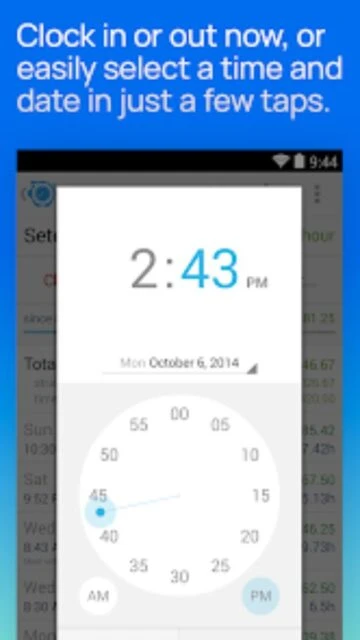
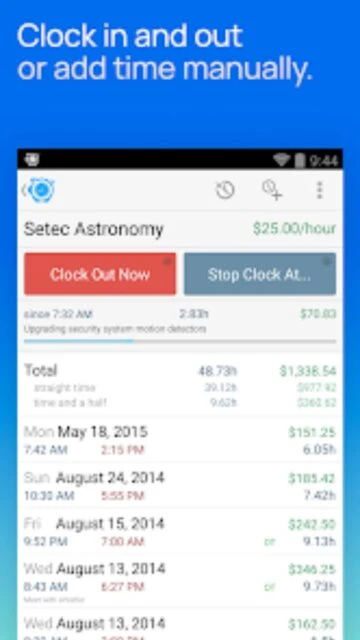
- Easy clock in/out: Simple one-tap timer with break and pause functionality
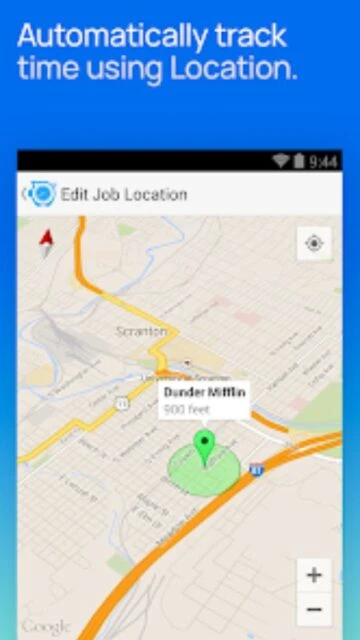
- Geofencing: Automatic clock in/out when arriving or leaving job locations
- Earnings tracking: Calculate daily and weekly pay with automatic overtime calculations
How It Works
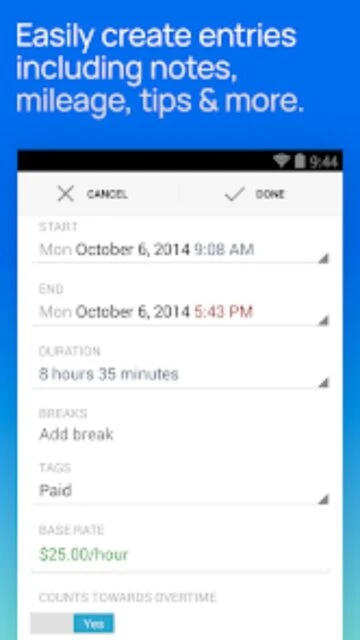
Launch Hours Tracker and create job entries by entering a job name, hourly rate, and optional location. When work begins, tap the timer to start tracking. The app records elapsed time, includes break support, and calculates earnings in real-time. Add comments to entries, tag them for filtering, and access comprehensive reports by day, week, or month. Export data as CSV for payroll or accounting purposes.
Who Should Use It?
Hours Tracker serves hourly employees managing multiple jobs, contractors tracking billable time, field workers recording job site hours, small business owners monitoring staff time, and freelancers calculating project earnings. Perfect for anyone needing accurate time records for payroll, client billing, or personal productivity tracking without complex setup requirements.