Is Google Tasks completely free?
Yes, Google Tasks is completely free with no premium version or in-app purchases. All features are available to all users without any cost.
 29
29
Plan, organize and schedule work with Google Tasks
Google's native task management app that syncs seamlessly with Gmail, Calendar, and Google Workspace for straightforward, distraction-free productivity.
Google Tasks is Google's straightforward task management application designed for users already invested in the Google Workspace ecosystem. The app provides essential task management capabilities while maintaining deep integration with Gmail, Google Calendar, Google Chat, and other Workspace products. It focuses on simplicity and efficiency without overwhelming users with excessive features.
The clean interface allows users to quickly capture ideas, organize tasks, set priorities, and track progress. By centralizing task management within Google's ecosystem, Tasks eliminates the need for context switching between multiple applications. This integration makes it particularly valuable for professionals whose workflows revolve around email and calendar scheduling.
Completely free
| Feature | Free | Premium |
|---|---|---|
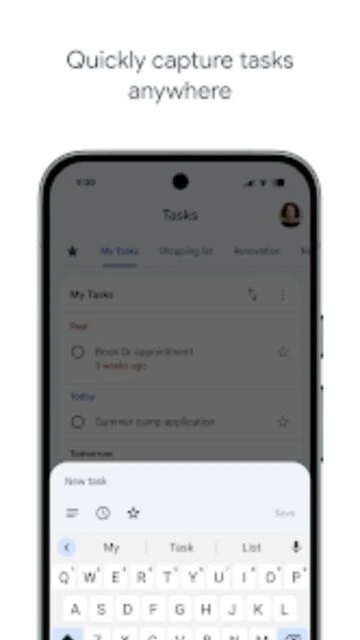
| Task Creation | Create unlimited tasks in multiple lists | All features included in free version |
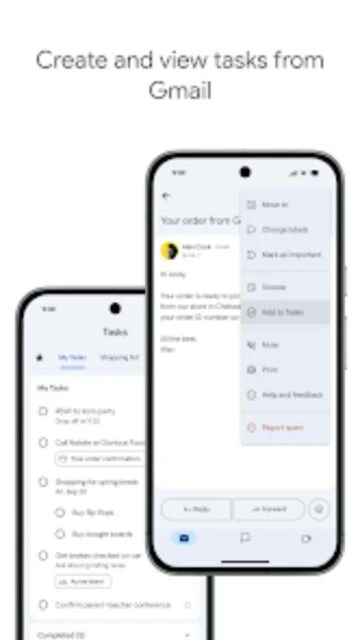
| Email Integration | Create tasks from Gmail emails | All features included in free version |
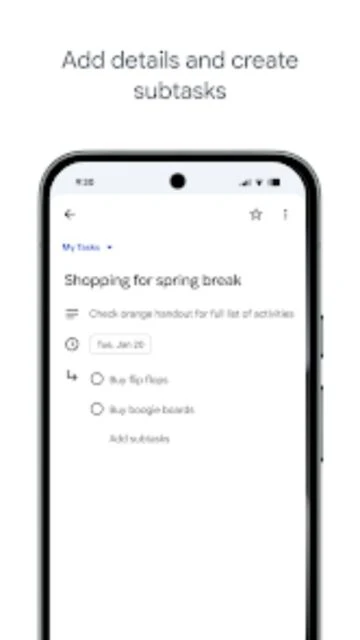
| Subtasks | Create and manage subtasks | All features included in free version |
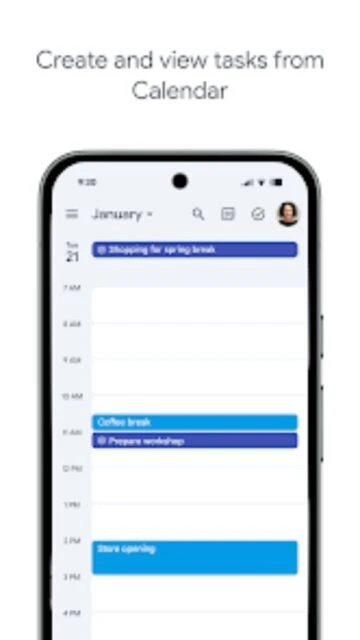
| Calendar Sync | Tasks with due dates appear on Google Calendar | All features included in free version |
| Cross-Device Sync | Automatic sync across all devices | All features included in free version |
| Mobile App | Full-featured mobile and web apps | All features included in free version |
Yes, Google Tasks is completely free with no premium version or in-app purchases. All features are available to all users without any cost.
Yes, you can create tasks directly from Gmail emails. Open an email and click the task icon to convert it into a task with a link back to the original message.
When you set a due date on a task, it automatically appears on your Google Calendar for that date, helping you see all your commitments in one place.
Yes, you can share task lists with other Google users. They can view, edit, and manage tasks in shared lists with real-time synchronization.
Yes, tasks automatically sync across all devices when you're logged into the same Google Account. Changes made on one device appear instantly on all others.