Can I use Google Keep offline?
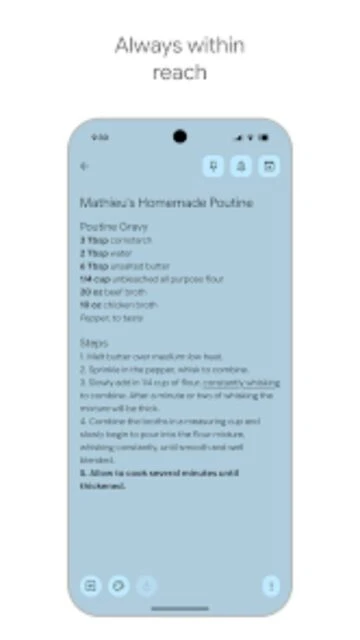
Yes. On mobile devices, you can access previously loaded notes offline. When you reconnect to the internet, any changes sync automatically. Web version requires internet connection for full access.
 49
49

Quickly capture and share your thoughts, manage your to-dos
Capture, organize, and share your thoughts instantly across all devices with synced notes, lists, reminders, and voice memos.
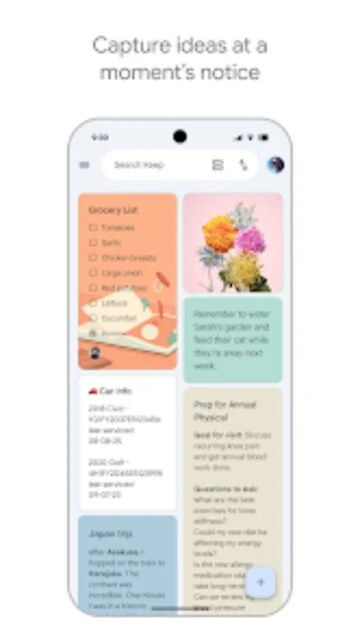
Google Keep is a free digital notepad app designed for capturing thoughts instantly. It lets you write text notes, create checklists, add images, record voice memos, and set reminders all in one place. The app syncs seamlessly across your phone, tablet, and web browser so your notes are always accessible.
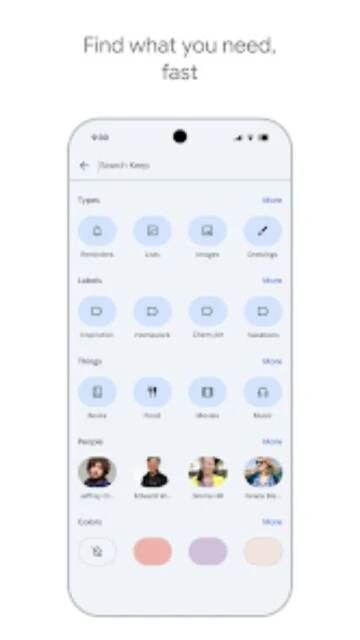
With color-coded labels, powerful search functionality, and collaborative sharing features, Keep helps you organize ideas without complexity. You can share notes with family or colleagues for real-time collaboration. All your notes are backed up automatically through Google's secure cloud servers.
Free - No premium tier or in-app purchases
| Feature | Free | Premium |
|---|---|---|
| Storage Limit | Unlimited (images and audio don't count toward Google Drive) | Not available - Keep is completely free |
| Note Organization | Labels, colors, and search; no traditional notebooks | Not available |
| Formatting Options | Basic - no bold, italic, or advanced text formatting | Not available |
| Collaboration | Share notes with others for real-time editing | Not available |
| Voice Notes | Supported with automatic transcription | Not available |
| Reminders | Time and location-based reminders included | Not available |
Yes. On mobile devices, you can access previously loaded notes offline. When you reconnect to the internet, any changes sync automatically. Web version requires internet connection for full access.
Yes. Individual notes in Google Keep are limited to 20,000 characters, which equals approximately 3,000-4,000 words or 20-30 pages of text.
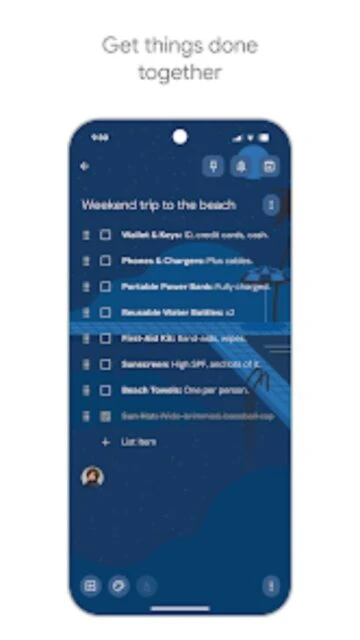
Absolutely. Share your note with contacts and collaborators can edit in real-time. Changes appear instantly for all users viewing the shared note.
No standalone desktop app exists. Access Keep on web at keep.google.com using any browser or install the Chrome extension for quick access.
No. All notes are saved to Google's cloud servers. Reinstalling the app and signing in will restore all your notes automatically.
You can add images (GIF, JPEG, JPG, PNG). Other file types must be uploaded separately to Google Drive and linked within notes.