Google Calendar transforms how you organise time by bringing events, tasks, reminders, and shared schedules into a single, clear view. Whether you are planning family activities, coordinating hybrid workdays, or managing client meetings, it keeps everything aligned across phone, tablet, watch, and web. Its tight integration with Gmail and other Google Workspace apps reduces manual entry and helps prevent missed commitments.
Why Choose Google Calendar?
Google Calendar combines powerful scheduling tools with a familiar, uncluttered interface that works smoothly across platforms. Automatic event creation from Gmail, layered calendars, rich notifications, and flexible view options make it ideal for complex schedules. Collaboration features such as shared calendars, working locations, and integrated Google Meet links simplify planning with colleagues and loved ones while preserving reliability, privacy controls, and enterprise-grade security that organisations trust.
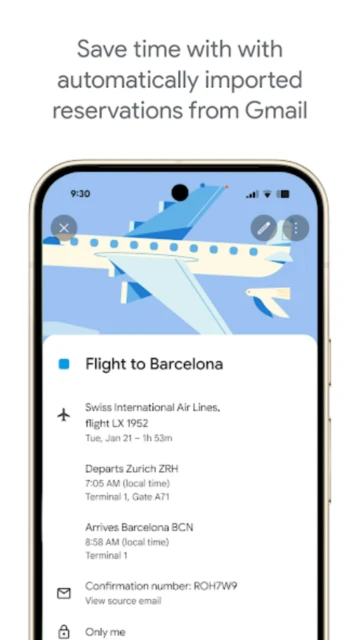
- Key benefit: Automatic event detection from Gmail and smart suggestions dramatically reduce manual data entry and scheduling errors.
- Another benefit: Shared calendars, access permissions, and intuitive colour-coding make it easy to coordinate families, teams, and projects without endless message threads.
- Third benefit: Deep Google Workspace integration, including Meet, Drive, and Tasks, centralises scheduling, documents, and to-dos into one streamlined planning hub.
How It Works
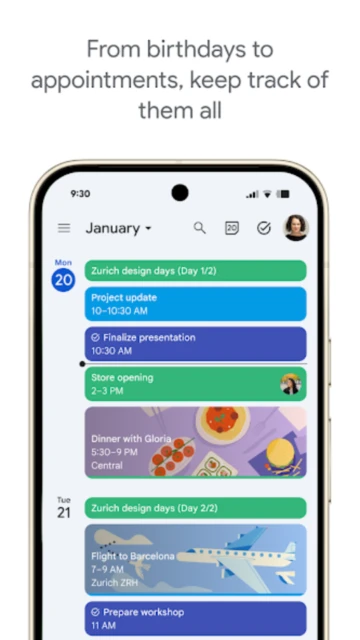
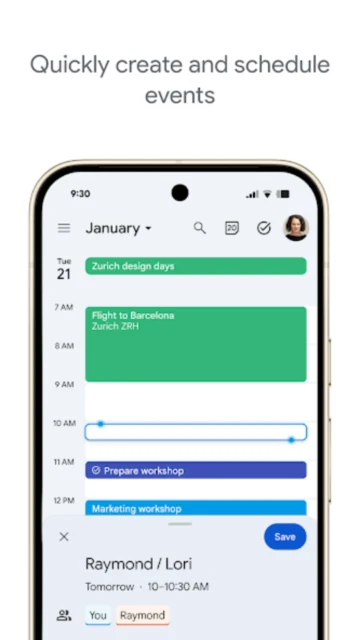
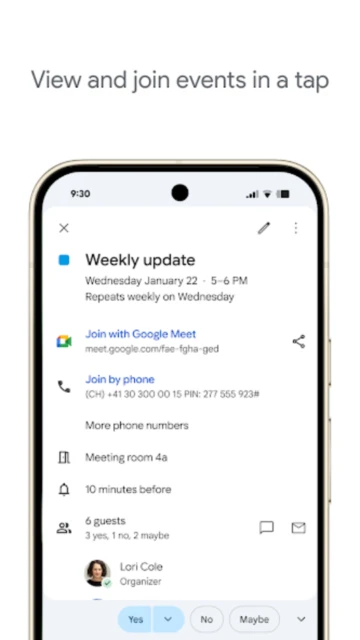
After signing in with a Google Account, Google Calendar automatically syncs existing events from the web and other connected calendars. Users can create events with time, location, conferencing links, guests, and attachments, or convert emails into meetings with a tap. Multiple calendars can be layered or toggled on and off. Tasks and reminders appear alongside events, while notifications, time zones, and working locations ensure everyone sees accurate, up-to-date schedules.
Who Should Use It?
Google Calendar suits anyone who needs reliable, cross‑device scheduling: busy professionals, remote or hybrid teams, students, families, and freelancers. It is especially valuable for people already using Gmail, Google Meet, or Google Drive, as it turns those services into a connected planning system. Organisations using Google Workspace gain advanced collaboration, booking, and resource scheduling features without extra training.