Is Evernote free to use?
Yes, Evernote offers a free plan with basic features limited to 50 notes, 250 MB monthly uploads, and 1 device. Premium plans unlock unlimited notes, higher storage, and advanced AI features.
 43
43

Capture ideas when inspiration strikes
Evernote is a powerful note-taking and organization app that syncs across all devices, featuring tasks, calendar integration, and AI tools for capturing and managing information.
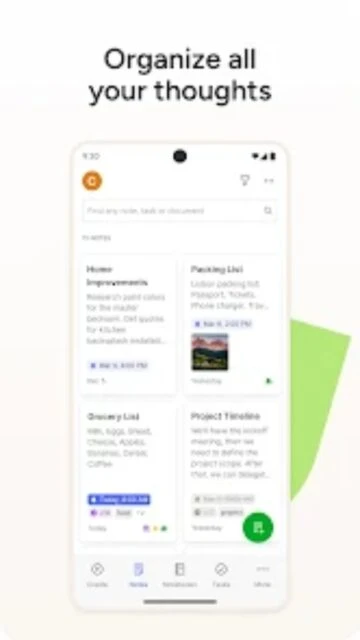
Evernote is a versatile note-taking app that helps you capture, organize, and synchronize information across all your devices. Whether you're writing text, scanning documents, or clipping web pages, Evernote serves as your digital repository for ideas and important information.
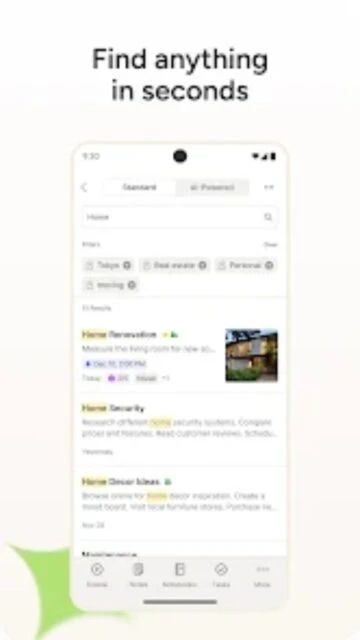
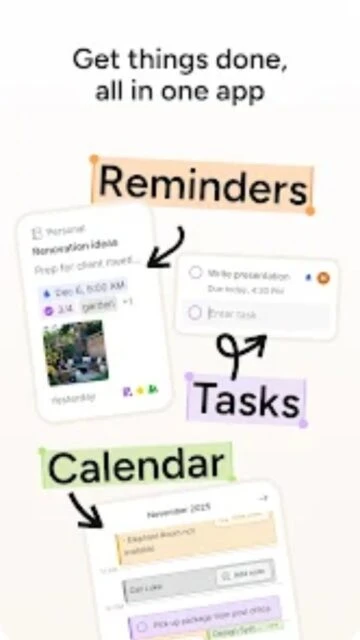
With features like calendar integration, task management, advanced search technology, and AI-powered transcription, Evernote enables seamless productivity and collaboration for individuals and teams.
Free (50 notes) / Personal $11.99/month / Professional $17.49/month
| Feature | Free | Premium |
|---|---|---|
| Monthly upload storage | 250 MB limit | 10-20 GB depending on plan |
| Devices supported | 1 device | Unlimited devices |
| Note limit | 50 notes per account | Unlimited notes |
| AI features | Not available | AI Meeting Notes, AI Transcribe, AI Edit |
| Calendar integration | Not available | 1-2 Google Calendar accounts |
| Offline access | Not available | Full offline capability |
Yes, Evernote offers a free plan with basic features limited to 50 notes, 250 MB monthly uploads, and 1 device. Premium plans unlock unlimited notes, higher storage, and advanced AI features.
Free users cannot access notes offline. Premium and Professional subscribers can access synced notes offline on their devices. Changes sync automatically when internet connection is restored.
Evernote uses encryption in transit and allows users to set passcodes. End-to-end encryption is not available for all content, so sensitive information should be carefully managed. Two-factor authentication is recommended.
Yes, you can share individual notes or entire notebooks with other Evernote users via links. Premium users get shared Spaces for team collaboration with additional permission controls.
Evernote is available on iOS, Android, Windows, Mac, and web browsers. Free plan allows 1 device; Premium allows unlimited devices. All versions sync seamlessly.
Evernote supports text, images, PDFs, audio notes, video files, web clips, and scanned documents. Attachments count toward your monthly upload limit depending on your plan.