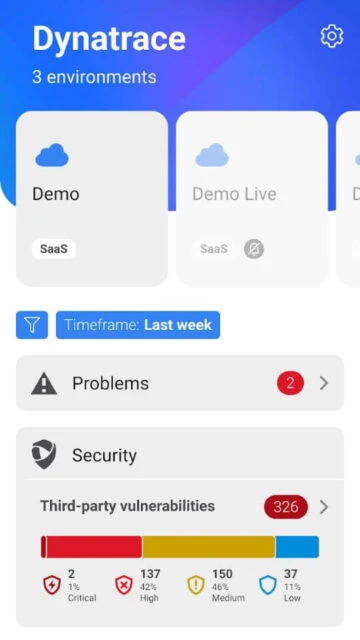
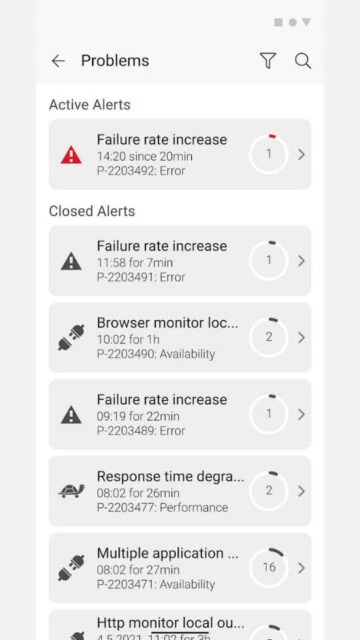
Dynatrace 4.0 is an enterprise-grade observability companion that brings AI-powered application performance insights directly to your mobile device. As part of the Dynatrace Software Intelligence Platform, the app delivers real-time alerts on business-critical incidents affecting your monitored application environment, cloud infrastructure, and digital experience metrics. Receive instant push notifications for production issues and perform rapid triage from anywhere.
Why Choose Dynatrace 4.0?
The Dynatrace mobile app extends full-stack observability to your smartphone, giving DevOps teams and site reliability engineers immediate visibility into operational and security problems without being tied to a desktop console. Leverage Davis AI engine insights directly on your device, manage incidents faster, and reduce mean time to resolution for critical applications.
- Real-time incident notifications: Receive immediate push alerts when performance anomalies, crashes, or security vulnerabilities are detected across your entire application stack.
- AI-powered root cause analysis: Access Davis AI-generated problem diagnosis including full impact assessment and correlated causal paths from infrastructure through application code.
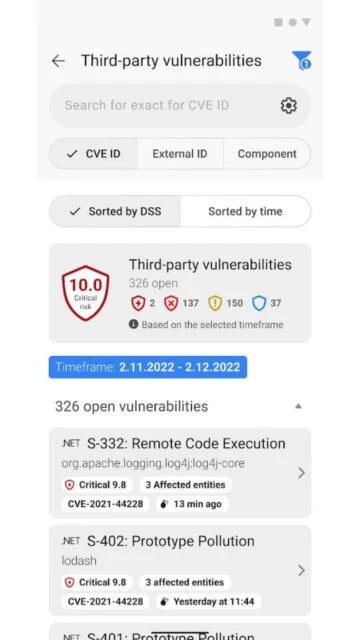
- Security vulnerability insights: Monitor runtime third-party vulnerabilities and manage application security findings directly from your mobile device for rapid response.
How It Works
After signing into your Dynatrace tenant on the mobile app, you receive real-time push notifications for critical incidents. Triage problems by reviewing incident severity, impacted services, and recommended actions. Access comprehensive details about each alert including affected users, business impact metrics, and suggested remediation steps. The unified interface displays both operational availability issues and security vulnerabilities.
Who Should Use It?
Dynatrace 4.0 is essential for DevOps engineers, site reliability engineers, platform owners, and security teams responsible for mission-critical applications. Organizations leveraging Dynatrace for application performance monitoring, infrastructure monitoring, or digital experience analytics benefit from mobile access to real-time observability data and incident management capabilities.