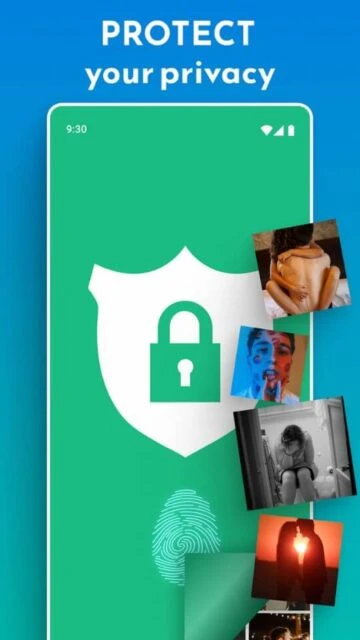
Dumpster revolutionizes file recovery on Android by acting as your phone’s dedicated recycle bin. With over 50 million downloads and a 4.0-star rating, this powerful utility automatically backs up deleted photos, videos, documents, and apps without requiring root access. Never lose important memories or critical files again with instant recovery capabilities and cloud storage options.
Why Choose Dumpster?
Dumpster stands out as the #1 Android recovery tool with its comprehensive protection system. The app works silently in the background, automatically saving deleted files before they’re permanently lost. Unlike basic recovery tools, Dumpster offers deep scan technology, secure cloud backup, and app lock features for complete privacy. Its intuitive interface makes file restoration as simple as tapping a button, while premium users enjoy unlimited restores and an ad-free experience.
- Instant Recovery: Restore deleted photos, videos, and apps with a single tap
- Automatic Backup: Works silently without root privileges to protect all file types
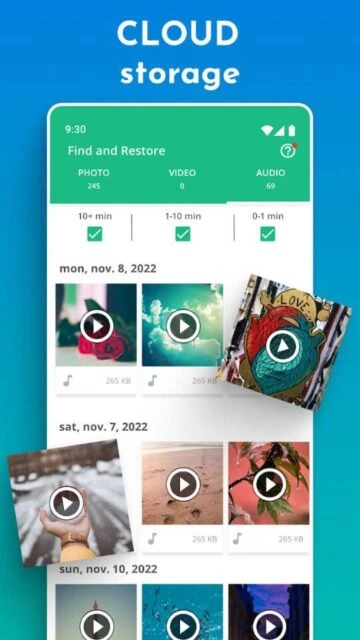
- Cloud Storage: Secure unlimited cloud backup keeps files accessible across devices
How It Works
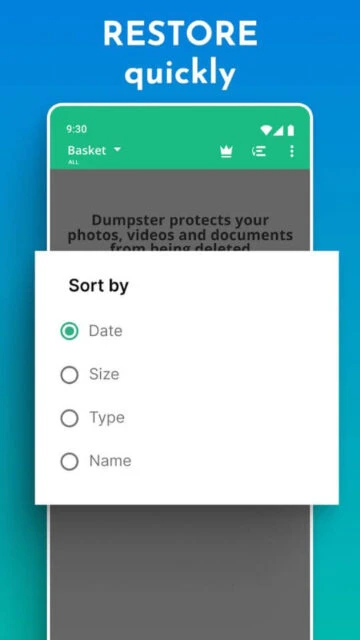
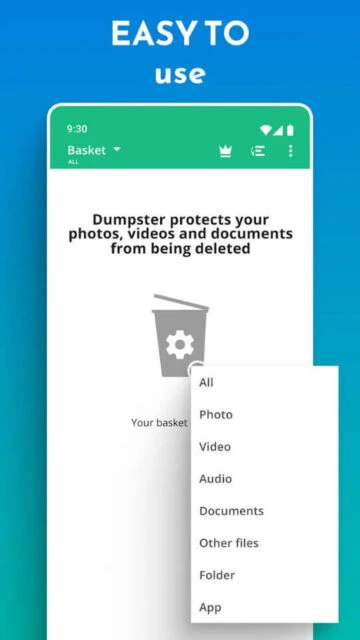
Once installed, Dumpster creates a virtual recycle bin on your device. When you delete files, they’re automatically moved to Dumpster instead of being permanently erased. Access the app, browse your deleted items, and restore anything with one tap. The deep scan feature searches cache and thumbnails for files deleted before installation, while premium cloud storage ensures your backups survive device changes.
Who Should Use It?
Perfect for anyone who values their digital memories and important documents. Photographers protect their shots, students safeguard assignment files, and professionals secure critical documents. Parents recover precious family photos, while social media users rescue accidentally deleted content. Essentially, every Android user who wants peace of mind against accidental deletion should have Dumpster installed.