ClickUp – All-in-One Productivity & Project Management Platform

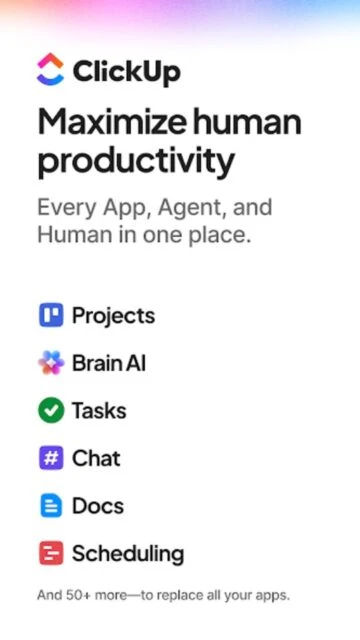
The everything app for work that replaces dozens of tools with one unified platform featuring tasks, docs, chat, AI agents, and project management.

About ClickUp: Tasks, Chat, Docs, AI

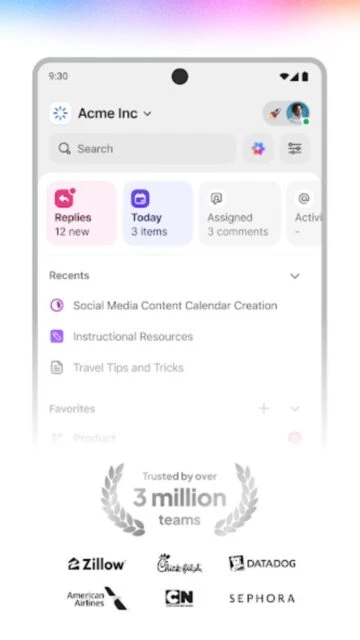
ClickUp is a comprehensive productivity and project management platform trusted by over 20 million users worldwide, including teams at Google, Nike, and Airbnb. The app replaces dozens of work tools by unifying tasks, docs, chat, AI agents, time tracking, dashboards, and collaboration features in one seamlessly integrated workspace.

With 50+ powerful features and infinite customization options, ClickUp adapts to any team size or workflow. From startups to Fortune 500 companies, organizations use ClickUp to break down silos, automate workflows with AI, track resources precisely, and accomplish more than humanly possible—all while reducing software costs.

Features Of ClickUp: Tasks, Chat, Docs, AI

  • Unified workspace for tasks, docs, chat, calendars, and project management in one platform
  • Brain AI Assistant for intelligent automation, scheduling, and contextual workspace insights
  • AI Super Agents that automate customer relationships, standups, and weekly reports
  • Multiple view options including List, Board, Gantt, Timeline, Calendar, and Workload views
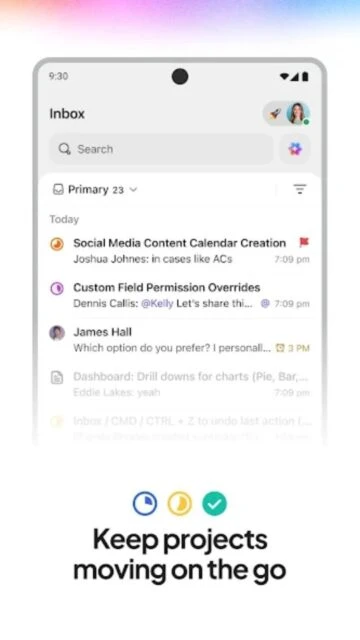
  • Real-time collaboration with chat, comments, whiteboards, and co-editing capabilities
  • Advanced time tracking with timesheets, budgets, and resource management tools
  • Custom automations to eliminate repetitive tasks and streamline workflows
  • Integrated docs and wikis with collaborative editing and rich formatting options
  • Dashboards and reporting with real-time analytics and custom visualizations
  • Sprints, CRM, and ITSM features for specialized team workflows
  • Files and approvals system for streamlined document management and sign-offs
  • Mobile, desktop, and web access with seamless synchronization across all devices

Premium Features in the Paid Plan

  • Unlimited custom views and personalized workspace layouts for every team member
  • Advanced automations with 10,000+ monthly automation runs on Business plan
  • Unlimited storage and file attachments for all your project documents
  • Guest access with granular permissions for external collaborators and clients
  • Private docs and folders for sensitive information and executive planning
  • Sprint reporting and agile tools for software development teams
  • Advanced dashboard views with custom charts and real-time data visualization
  • Time estimates and workload management for capacity planning and resource allocation
  • White labeling and custom branding for Enterprise plan customers
  • Enterprise-grade security with SSO, 2FA, and advanced permission controls
  • Priority 24/7 customer support with dedicated success managers on higher tiers
  • Google Calendar and Outlook integration with AI-powered calendar management

Free plan available, Unlimited $7/user/month, Business $12/user/month (annual billing)

Free vs Premium Comparison

Feature Free Premium
Storage 100 MB Unlimited storage on paid plans
Automations 100 per month 1,000 (Unlimited) to 10,000+ (Business)
Custom Views Limited views Unlimited custom views & templates
Dashboards Basic dashboard All dashboard views with custom charts
Gantt Charts Available Advanced with dependencies & baselines
Guest Access Not available Unlimited guests with permissions
Time Tracking Basic tracking Advanced with timesheets & budgets
AI Features Limited Brain queries Unlimited AI with Super Agents
Reporting Basic reports Sprint & advanced custom reporting
Support Community support Priority 24/7 support & training

Frequently Asked Questions

Is ClickUp really free?

Yes, ClickUp offers a genuinely free Forever plan with unlimited tasks, unlimited users, 100MB storage, and collaborative docs. It's perfect for individuals and small teams. Paid plans starting at $7/user/month unlock unlimited storage, advanced automations, custom views, and premium features like time tracking and dashboards.

How does ClickUp compare to monday.com and Asana?

ClickUp offers more features at a lower price point. While monday.com starts at $9/user/month and Asana has similar pricing, ClickUp's $7/month Unlimited plan includes features often reserved for higher tiers on competitors, plus unique capabilities like Brain AI and 50+ integrated tools in one platform.

Can ClickUp replace all my work apps?

ClickUp is designed to consolidate your tech stack with 50+ built-in features covering project management, docs, chat, time tracking, CRM, whiteboards, goals, and more. Many teams successfully replace 5-10+ separate tools, though specific industry software may still be needed for specialized functions.

Is ClickUp suitable for small teams or just enterprises?

ClickUp scales from solo users to Fortune 500 companies. The free plan works great for individuals and small teams. As you grow, paid plans offer advanced features without the complexity burdenu2014you can keep things simple or dive deep into customization based on your needs.

Does ClickUp work offline?

ClickUp requires internet connectivity for full functionality, especially on mobile. Some users report the mobile app struggles with spotty connections and doesn't cache data well offline. The desktop app offers better offline capabilities, but sync and real-time collaboration require a stable internet connection.

What is ClickUp Brain and how does it work?

ClickUp Brain is an AI assistant that connects to your entire workspace context. It answers questions about tasks, generates reports, manages your Google Calendar, automates workflows, creates content, and provides intelligent insightsu2014essentially functioning as an AI-powered project manager integrated throughout the platform.

How difficult is ClickUp to learn?

ClickUp has a learning curve due to its extensive customization options. Basic task management is intuitive, but mastering advanced features takes time. ClickUp provides excellent tutorials, 24/7 support, and comprehensive documentation. Most teams become proficient within 1-2 weeks of regular use.