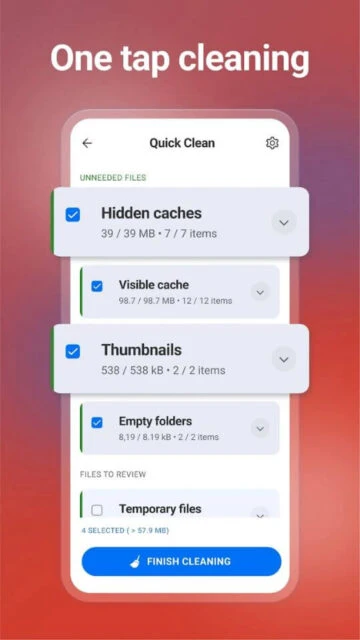
CCleaner for Android is the ultimate mobile optimization tool from the makers of the world’s most popular PC cleaner. Quickly remove unnecessary files, clean browser history, and reclaim valuable storage space with just a few taps. Master your device’s performance and maintain optimal speed with intelligent junk removal and system analysis.
Why Choose CCleaner?
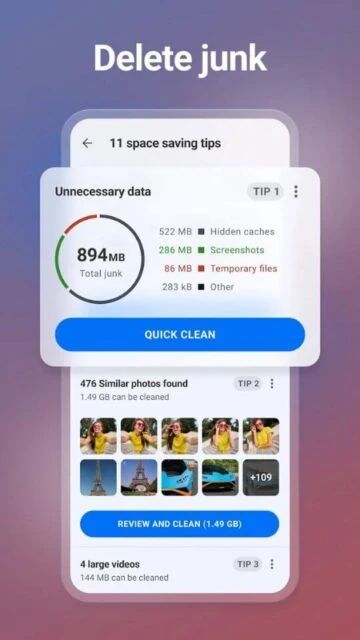
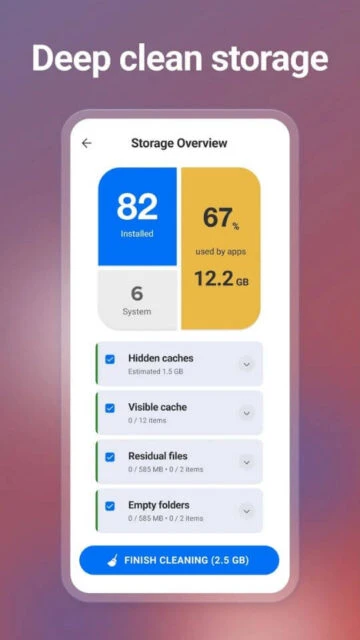
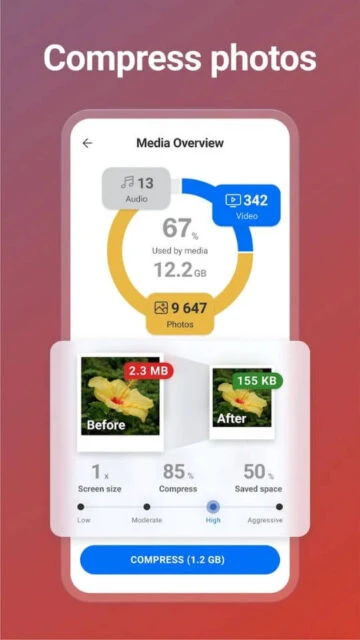
CCleaner delivers powerful cleaning capabilities combined with an intuitive interface designed for all users. Remove unnecessary files, app cache, browser history, and leftover data safely. The app analyzes application impact on performance, helps identify apps draining battery, and removes duplicate or poor-quality photos with compression options. Monitor your system’s CPU, RAM, and battery usage in real-time to understand your device’s health.
- Advanced Junk Removal: Clean cache, downloads, browser history, clipboard content, and residual application files automatically
- Smart App Manager: Uninstall multiple apps simultaneously and discover unused applications consuming storage space
- Photo Library Cleaner: Find and remove duplicate, outdated, or poor-quality photos with adjustable compression levels
How It Works
Launch CCleaner and tap Analyze to scan your device for junk files, cache, and unused data. Review the detected items and select what you want to remove. CCleaner safely deletes the selected files, reclaiming storage space instantly. The app also provides system monitoring to check CPU usage, RAM consumption, battery status, and internal storage availability in real-time dashboards.
Who Should Use It?
CCleaner is ideal for Android users experiencing slow device performance, limited storage space, or wanting regular maintenance routines. Perfect for those managing multiple apps, taking numerous photos, or wanting to optimize battery life. Users seeking detailed system information and app impact analysis will appreciate the comprehensive monitoring dashboard.