Calendar 2025 is a comprehensive digital scheduling tool designed to help users manage appointments, events, and important dates effortlessly. This intuitive calendar app combines powerful productivity features with a clean, user-friendly interface to keep your life organized every single day.
Why Choose Calendar 2025?
Calendar 2025 provides essential productivity features that make scheduling simple and effective. Whether managing personal tasks or professional commitments, this app delivers customizable reminders, multiple view options, and seamless event organization. The app’s clean design and intuitive navigation ensure users can quickly add events, set notifications, and stay on top of their schedules without unnecessary complexity.
- Daily To-Do Lists: Create and manage daily task checklists with completion tracking for better productivity.
- Smart Reminders: Set customizable notifications for events and tasks with flexible reminder options.
- Time Management: Organize your schedule across day, week, and month views for comprehensive planning.
How It Works
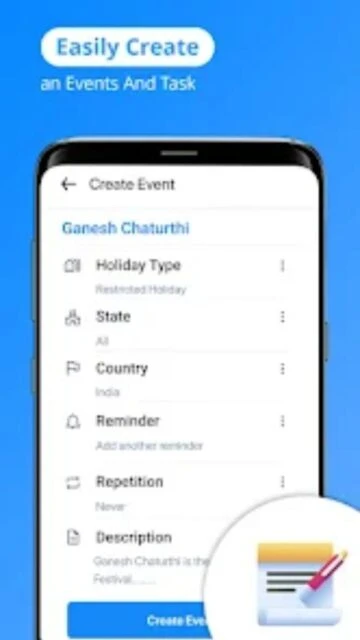
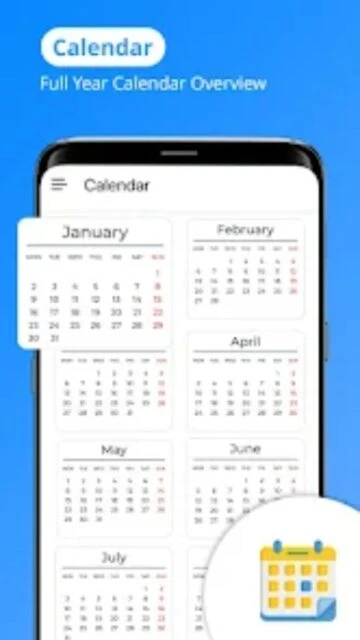
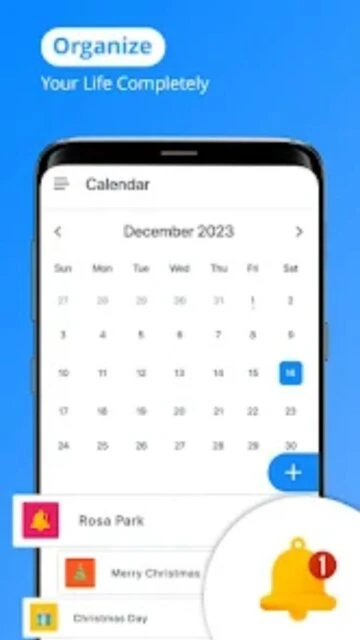
Simply open the app and create new events by entering basic details like date, time, and title. Calendar 2025 instantly displays your entries in organized calendar views, allowing you to see your schedule at a glance. Set custom reminders to receive notifications before important events, and manage your to-do lists by checking off completed tasks. Sync your calendar across devices for accessibility from anywhere.
Who Should Use It?
Calendar 2025 is perfect for busy professionals, students, families, and anyone who wants better time management. The app works equally well for personal scheduling, business appointments, family event planning, or managing work deadlines. Whether you’re organizing your day or planning months ahead, this calendar app simplifies your scheduling needs.