Box – Cloud Storage for Team Collaboration

Enterprise-grade cloud storage platform for secure file management, collaboration, and content sharing with advanced business features.

About Box

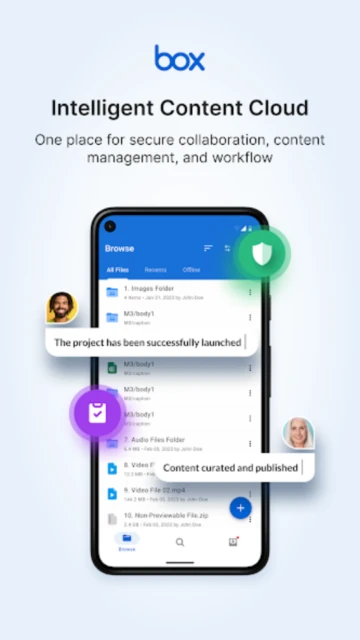
Box is an enterprise content cloud platform serving 57,000 companies worldwide, including 97% of Fortune 500 businesses. The platform enables secure file storage, advanced collaboration, and content workflows with military-grade security and extensive compliance certifications. Box supports viewing and editing 200+ file types, provides unlimited storage on paid plans, and integrates with 1,500+ enterprise applications for streamlined business processes.

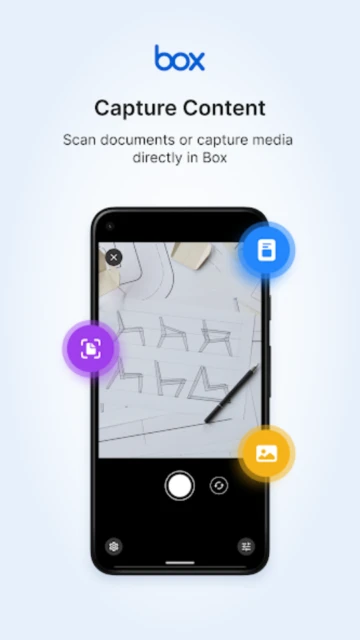
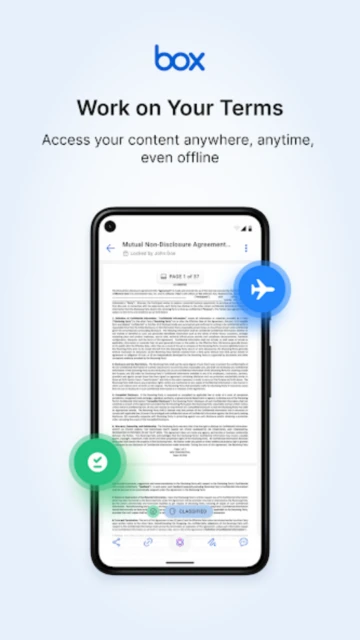
The Box mobile app allows teams to access content anywhere with full offline capability, real-time commenting and collaboration, advanced permission controls, and file-level security. It features robust search functionality including text search within PDFs and Office documents, automatic updates feed for recently modified files, and the ability to open files in hundreds of partner apps for annotation, e-signing, and editing.

Features Of Box

  • Preview and edit 200+ file types including PDF Word Excel PowerPoint AI and PSD natively
  • Share large files securely via password-protected links without email attachments
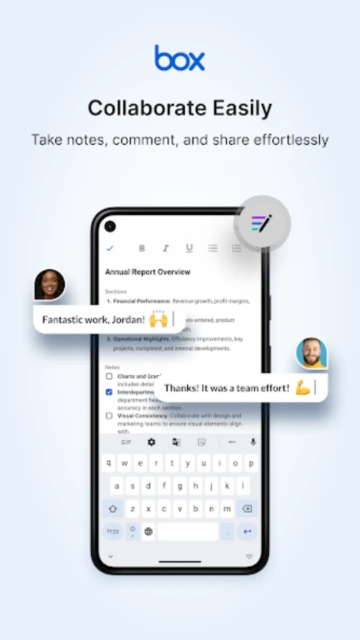
  • Add detailed comments and mention colleagues to collaborate on documents in real-time
  • Access files offline and automatically sync changes when internet connection restores
  • Search within PDF PowerPoint Excel and Word files with advanced full-text search
  • Set granular permissions for individual users and groups to control file access
  • Organize files in folders with custom naming and automatically apply retention rules
  • Integrate seamlessly with Slack Microsoft Teams Google Workspace and hundreds of apps

Premium Features in the Paid Plan

  • Store unlimited cloud storage with Business Plus and Enterprise plans for large-scale operations
  • Advanced admin controls with comprehensive reporting and user activity logging capabilities
  • Enforce device trust and password policies to ensure compliance with security requirements
  • Access Box AI for intelligent metadata extraction and document analysis in beta
  • Create unlimited apps with no-code builder for custom workflows and dashboards
  • Bulk content upload with automatic filing for efficient content organization at scale
  • Enable watermarking on files to prevent unauthorized distribution and protect content
  • Provide regional data storage in Europe or Asia to meet data residency compliance needs

Free with 10GB storage; Business Plan $15/month (yearly); Business Plus $25/month (yearly); Enterprise $35/month (yearly)

Free vs Premium Comparison

Feature Free Premium
Cloud Storage 10GB of secure cloud storage for individuals and small teams Unlimited storage on Business Plus and Enterprise plans
File Size Limit No individual file size restrictions with free storage Upload files up to 5GB on Business plan and 50GB on Enterprise
Integrations Access to 1,500+ app integrations including Microsoft 365 and Slack Enterprise integrations up to unlimited on Enterprise Advanced plan
Advanced Sharing Secure links and basic permission controls for shared files Unlimited external collaborators with advanced sharing rules and controls
Compliance Standard security practices for data protection and encryption HIPAA FedRAMP SOC 1/2/3 and PCI DSS compliance certifications
Support Email support and knowledge base access during business hours Priority support and dedicated account managers for Enterprise

Frequently Asked Questions

Is Box secure for storing sensitive business documents?

Yes, Box provides enterprise-grade security with encryption in transit and at rest. It holds HIPAA, FedRAMP, SOC 1/2/3, and PCI DSS certifications making it compliant with regulated industries including healthcare, finance, and government. Advanced permission controls and watermarking protect sensitive content from unauthorized access and distribution.

Can external people access my files without a Box account?

Yes, you can share files via password-protected links that don't require recipients to have Box accounts. However, some collaborative features like real-time editing require Box login. For free accounts, external sharing has limitations compared to paid Business and Enterprise plans with unlimited external collaborators.

How much storage does Box provide for free?

Box offers 10GB of free cloud storage for individuals and small teams. This generous free tier includes 200+ file type preview, commenting, basic sharing, and access to 1,500+ integrations. Upgrade to Business Plan ($15/month yearly) for unlimited storage and advanced features like file size limits up to 5GB.

Does Box integrate with Microsoft Office and Google Workspace?

Yes, Box integrates seamlessly with Microsoft 365 including Word, Excel, and PowerPoint for direct editing within Box. It also works with Google Workspace, Slack, Salesforce, and 1,500+ other business applications. These integrations enable streamlined workflows without switching between applications.

Can I access Box files offline on my phone?

Yes, you can mark files and folders as favorites to download for offline access on your mobile device. Changes made offline automatically sync when your internet connection restores. This feature works on both iOS and Android Box app versions with full read and limited edit capabilities.