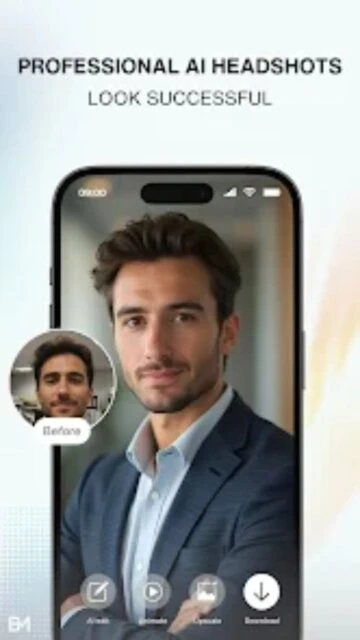
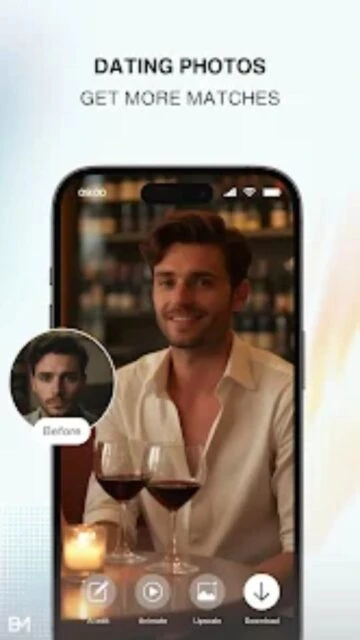
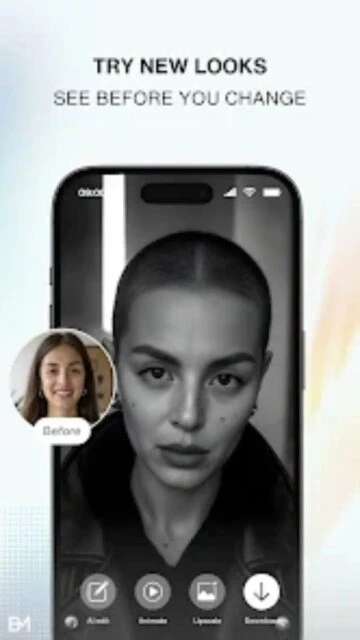
Blend Me Photo Editor is designed to bring the popular 'Double Exposure' effect to mobile devices with zero hassle. It combines a photo mixer, background changer, and collage maker into one cohesive utility, allowing users to merge distinct images into a single surreal composition.
The application allows for granular control over the blending process. You aren't just sticking one photo on top of another; you are using advanced layer modes to weave the textures and lighting of two images together, resulting in a professional artistic finish.
Features Of Blend Me Photo Editor
Mix and blend two or more images seamlessly
Wide collection of HD backgrounds included
Shape blend mode for creative masking effects
Basic photo editing tools like crop and rotate
Add text with stylish fonts and colors
Sticker library for fun and decoration
Save directly to SD card or gallery
Share instantly to Instagram and Facebook
Premium Features in the Paid Plan
Ad-free editing experience
Access to premium HD background library
Unlock all shape overlay templates
High-resolution image export
Advanced color filters and effects
Priority customer support
Unlimited daily saves
New weekly asset updates
Free / Ads / $4.99 Pro
Free vs Premium Comparison
Feature
Free
Premium
Blending
Standard modes
Advanced modes
Backgrounds
50+ Basic
500+ Premium
Ads
Banner & Interstitial
No Ads
Resolution
Standard HD
Ultra HD 4K
Shapes
10 Basic Shapes
Unlimited Shapes
Watermark
On some exports
No Watermark
Frequently Asked Questions
How do I remove the watermark?
You can remove the watermark by watching a short video ad or by upgrading to the Pro version for a one-time fee.
Can I blend more than two photos?
Yes, the app supports multiple layers, allowing you to blend 3, 4, or even more photos into a single composition.
Does it work offline?
Yes, the core blending features work offline. However, downloading new backgrounds requires an internet connection.
Is my data private?
The app processes images locally on your device. Photos are not uploaded to a server unless you explicitly share them.
Why are the edges blurry?
The 'fade' effect is enabled by default to smooth transitions. You can adjust the fade slider to make edges sharper.
Blend Me Photo Editor transforms your ordinary photos into artistic masterpieces by merging them with high-quality backgrounds and overlays. It simplifies complex editing techniques like double exposure into a single tap, making professional-looking photo manipulation accessible to everyone.
Why Choose Blend Me?
This app stands out for its specialized blending modes that automatically adjust opacity and lighting for a natural look. It offers a massive library of HD backgrounds and shape overlays that would usually require expensive desktop software to replicate. You can mix unlimited photos to create unique compositions.
Auto Blend: Automatically adjusts fade and opacity for smooth merging.
Shape Overlays: Mask your photos into hearts, circles, or geometric shapes.
Unlimited Mix: Blend as many photos as you want into a single canvas.
How It Works
Choose a background from the gallery or the app’s library, then select your foreground photo. The app’s ‘Blend’ slider lets you control the transparency instantly. Add final touches with text, stickers, and color filters before saving your creation to social media.
Who Should Use It?
Perfect for social media enthusiasts, creative photographers, and anyone wanting to create eye-catching profile pictures or romantic couple photos without learning Photoshop.
User reviews and ratings for Blend Me Photo Editor
See what users think about Blend Me Photo Editor. Read honest reviews and ratings from real users.
4.6
★★★★★
3 reviews
Amazing creative tool
by Jessica R.
★★★★★
2025-11-08
I use this to make thumbnails for my videos. The blending is so smooth, and I love the shape overlays. Very easy to use.
Good but too many ads
by Tyler B.
★★★★★
2025-10-15
The app does exactly what it says and the effects are cool, but the popup ads every time I save are annoying.
Perfect for couples
by Emily W.
★★★★★
2025-09-30
Made a beautiful blended photo of me and my husband for our anniversary. The romantic backgrounds are a nice touch.
Write a Review
Blend Me Photo Editor Screenshots & Photos
Browse through screenshots and photos of Blend Me Photo Editor to see how it looks and works.
Blend Me Photo Editor Videos
Watch videos to see how this app works and learn about its features.

 53
53