Is ArtFlow available for iOS?
No, ArtFlow is currently available exclusively for Android devices running Android 8.1 or higher. There is no official iOS version at this time.
 32
32

Fast, fluid, intuitive digital sketchbook
High-performance Android digital sketchbook featuring 100+ brushes, GPU-accelerated engine, PSD support, and stylus pressure sensitivity for artists.
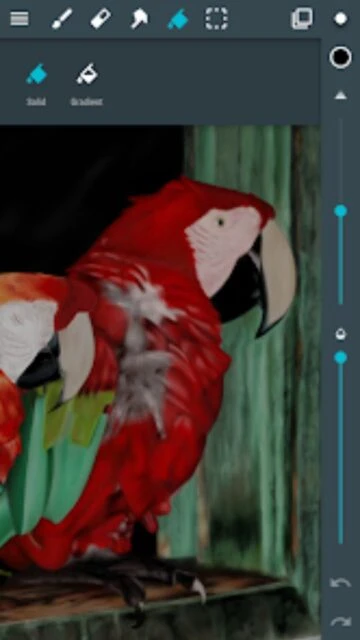
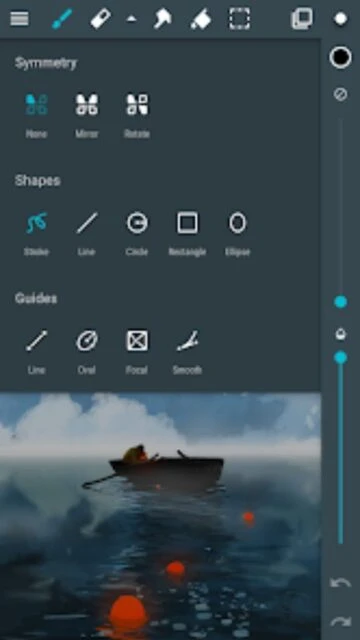
ArtFlow is a dedicated digital art application built specifically for Android devices by ArtFlow Studio. The app transforms tablets and smartphones into powerful digital sketchpads with a focus on performance and artist-friendly features. Using GPU acceleration technology, ArtFlow delivers exceptionally fast performance even when working with complex multi-layer projects and high-resolution canvases.
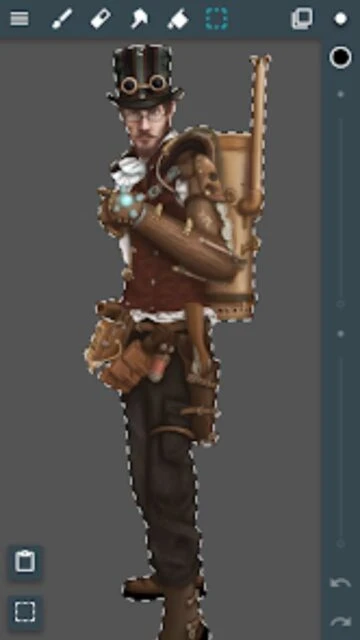
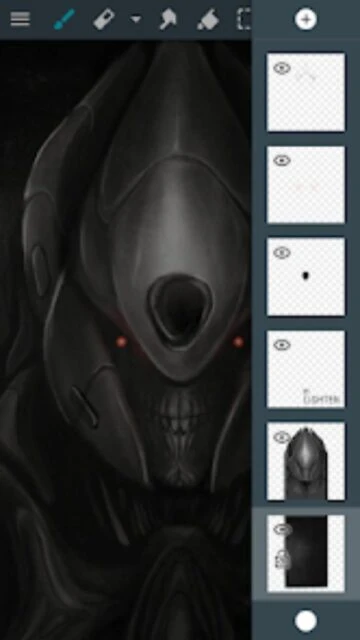
The platform includes over 100 customizable brushes, advanced layer management with 10 different filters, and professional color tools. Full stylus support with pressure sensitivity makes working with devices like Samsung Galaxy Tab especially intuitive. The app supports importing and exporting Photoshop files for seamless integration with desktop workflows, making it an excellent bridge between mobile and professional art software.
Free with pro license in-app purchase
| Feature | Free | Premium |
|---|---|---|
| Canvas Resolution | Standard resolution limited | Up to 6144x6144 pixels |
| Layer Support | 3 layers maximum | Up to 50 layers |
| Undo History | 6 undo steps | Unlimited undo history |
| Brush Access | 20 basic tools | 100+ professional brushes |
| File Export | PNG and JPG only | PNG, JPG, and PSD export |
| Layer Filters | Limited filters | 10 advanced layer filters |
| Selection Tools | Basic selection tools | Advanced selection masks |
| Brush Creation | Standard brushes only | Create custom brushes |
No, ArtFlow is currently available exclusively for Android devices running Android 8.1 or higher. There is no official iOS version at this time.
Yes, ArtFlow has full stylus support including Samsung S Pen with pressure sensitivity. It also features palm rejection to prevent accidental touches while drawing with a stylus.
The free version includes 20 basic tools and 3 layers with 6 undo steps. The pro license unlocks all 100+ brushes, 50 layers, PSD export, and advanced layer filters for seamless professional workflows.
Yes, with the pro license you can import PSD files as backgrounds or references, and export completed artwork as Photoshop documents for editing in desktop software.
Yes, ArtFlow is fully functional offline. You can create and edit artwork without an internet connection. License synchronization occurs when connectivity is available.
ArtFlow is only 19.27 MB to download, making it very lightweight. However, your created artwork files will require additional storage space depending on canvas size and complexity.