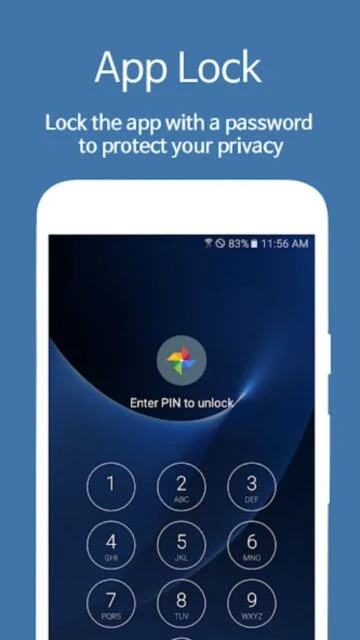
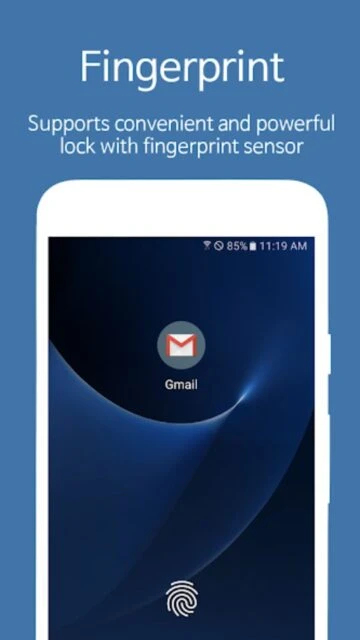
AppLock – Fingerprint by SpSoft is the most advanced Android app security solution, protecting your applications with fingerprint, face recognition, password, and pattern lock authentication. Verified by over 50 million downloads, this lightweight 8MB app delivers comprehensive privacy protection with intruder detection capabilities and smart lock scheduling features for Android phones and tablets.
Why Choose AppLock – Fingerprint?
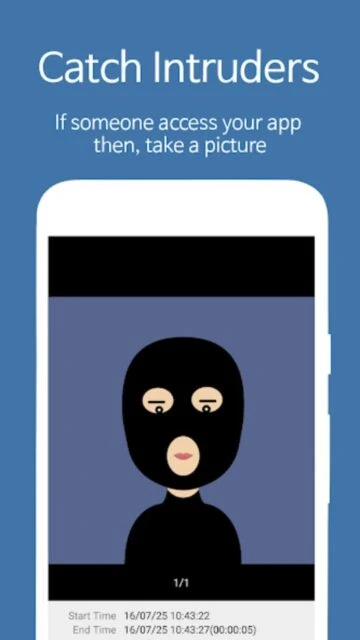
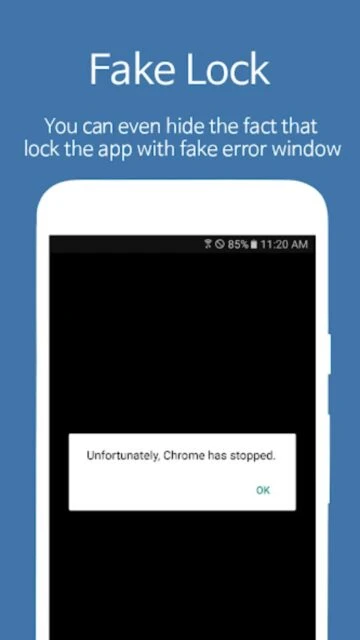
AppLock stands as the original app protection solution with proven reliability across 50 million devices worldwide. It combines biometric security through fingerprint and face recognition with traditional password and pattern locks. The app captures intruders attempting unauthorized access, supports fake error windows to confuse attackers, and enables smart lock scheduling that automatically unlocks during specific WiFi connections or at designated times. Scalable pattern lock technology offers 18×18 grid patterns versus standard 3×3, and the notification lock feature prevents locked app alerts from appearing on your lock screen.
- Biometric authentication: Fast, secure unlock using fingerprint and face recognition on compatible devices
- Intruder capture: Photograph and record video of access attempts with automatic email delivery capability
- Smart lock features: Auto-unlock at home WiFi, lock during specific times, and custom scheduling options
How It Works
Download AppLock from Google Play and complete the quick setup process selecting your primary authentication method. Support for fingerprint, face recognition, PIN codes, patterns, and passwords gives maximum flexibility. The app immediately begins protecting all selected applications without requiring restart. Access smart lock settings to configure auto-unlock during specific WiFi connections or Bluetooth devices, schedule lock times for specific hours, and customize patterns to your preferred size and complexity. Widget and notification bar controls enable quick lock/unlock without opening the main app.
Who Should Use It?
AppLock – Fingerprint is perfect for anyone prioritizing biometric security combined with advanced app protection features. It appeals to professionals securing work-related apps, parents implementing parental controls and screen time limits, travelers protecting sensitive information, and users wanting convenient fingerprint unlock without sacrificing security depth. The app’s extensive customization options and 32-language support makes it ideal for international users seeking comprehensive application privacy solutions.