Can I share task lists with other people?
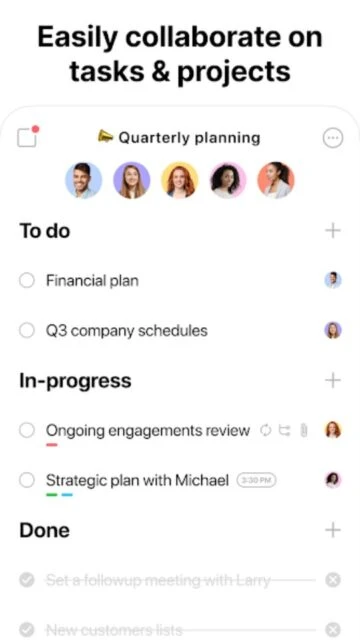
Yes, you can share any task list with family members, colleagues, or friends. They can view, edit, add tasks, and receive notifications. Shared lists sync in real-time across all users.
 34
34

Organize your life in seconds with tasks, reminders, calendar & planner
Manage tasks, calendar events, and reminders seamlessly with Any.do's all-in-one productivity platform trusted by over 40 million users worldwide.
Any.do is a comprehensive productivity suite that combines task management, calendar integration, and intelligent reminders into one streamlined application. It enables users to capture, organize, and track daily tasks while maintaining perfect synchronization across smartphones, tablets, desktops, and web browsers.
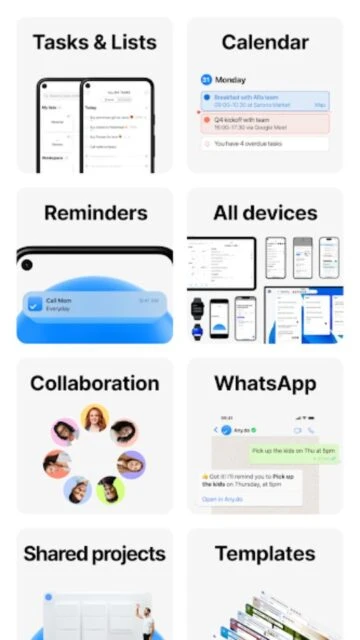
The app excels at helping users prioritize their work and personal commitments. With features like voice-activated task creation, location-based reminders, and calendar event integration, Any.do transforms how users manage their time. Collaboration capabilities allow sharing lists and assigning tasks to family members or team members, making it valuable for both individual productivity and group coordination.
Free with in-app purchases; Premium: $4.99/month or $59.99/year
| Feature | Free | Premium |
|---|---|---|
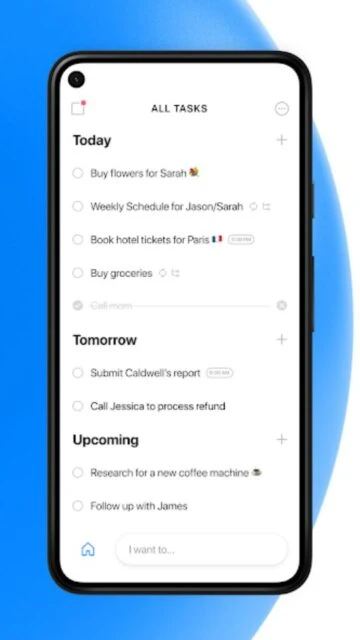
| Task Creation & Organization | Create unlimited tasks, organize into lists | All free features plus color tags and advanced filtering |
| Reminders | Basic one-time reminders only | Recurring, location-based, voice, and WhatsApp reminders |
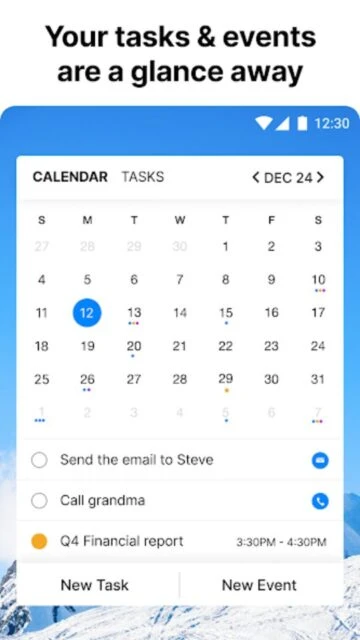
| Calendar Integration | View and sync basic calendar events | Advanced calendar views and event management |
| Collaboration | Share lists with limited features | Full team workspace with task assignment and chat |
| File Attachments | Not available | Attach files from Dropbox and Google Drive |
| Focus Mode | Not available | Dedicated focus mode to minimize distractions |
Yes, you can share any task list with family members, colleagues, or friends. They can view, edit, add tasks, and receive notifications. Shared lists sync in real-time across all users.
Yes, Any.do automatically syncs all tasks, reminders, and calendar events across your phone, tablet, desktop, and web browser when you're logged into the same account.
Yes, Any.do seamlessly integrates with Google Calendar, Outlook, iCloud, and Facebook events. Your calendar events appear in the Any.do calendar view alongside your tasks.
Location-based reminders trigger notifications when you arrive at or leave a specific location. For example, you can set a reminder to buy milk when you arrive at the grocery store.
Any.do is free with basic features including task management, calendar integration, and basic reminders. Premium subscription ($4.99/month) unlocks advanced features like recurring reminders and focus mode.