AndrOpen Office celebrates 7 million downloads as the world’s pioneering Android port of OpenOffice, delivering complete desktop-class office suite functionality to mobile devices. This powerful application enables full editing of Writer documents, Calc spreadsheets, Impress presentations, and comprehensive PDF manipulation with complete feature parity to the desktop OpenOffice application.
Why Choose AndrOpen Office?
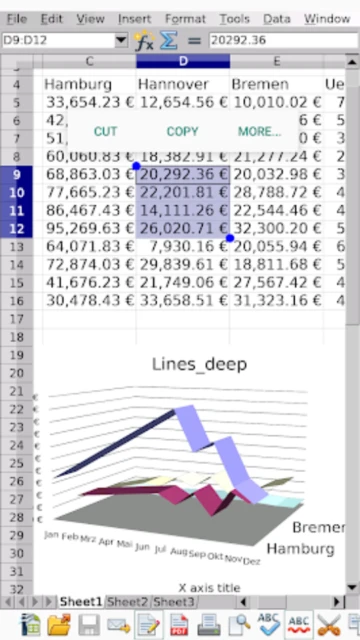
AndrOpen Office stands out by offering genuine desktop OpenOffice/LibreOffice compatibility on Android devices. Unlike compromised mobile alternatives, this app provides the complete feature set from the PC version, including advanced macro support, embedded objects, and extensive formatting options. Users gain access to sophisticated spreadsheet functions, advanced presentation capabilities, and professional document formatting. The application supports password-protected files, offers multiple language localizations, and enables seamless document sharing across Windows, Mac, and Linux systems through cloud services including Google Drive, Dropbox, OneDrive, Box, and WebDAV.
- Full OpenOffice Compatibility: Complete feature parity with desktop OpenOffice application
- Advanced Macro Support: Execute complex macros and automate document workflows
- Embedded Object Support: Insert and manage embedded media, charts, and objects
How It Works
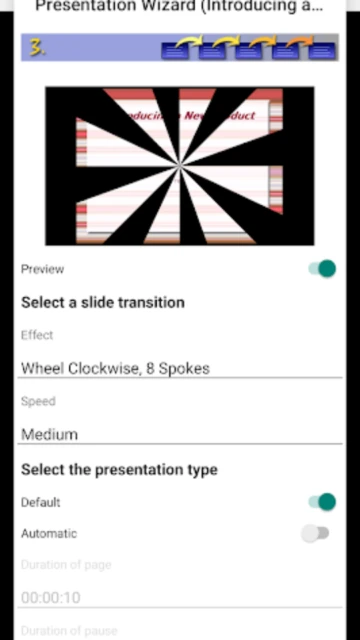
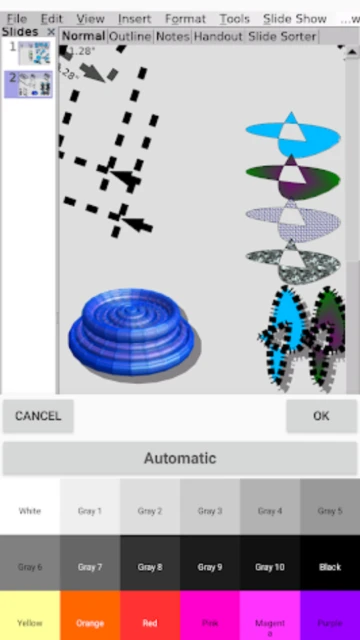
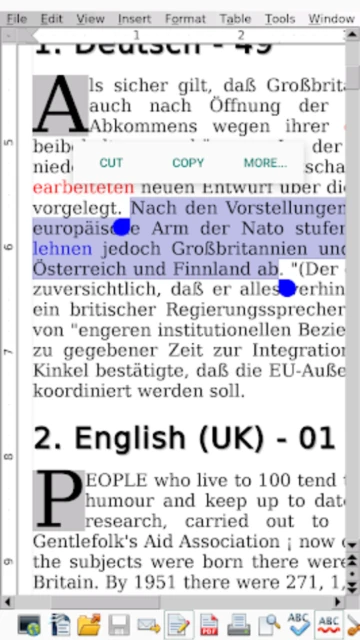
Launch AndrOpen Office and access your OpenOffice documents directly from device storage or cloud services. Create new Writer documents, Calc spreadsheets, or Impress presentations using comprehensive toolbars and menus matching the desktop version. Import and export PDF files with full fidelity, apply professional formatting including styles and themes, execute macros for workflow automation, and save documents in extensive file formats. Share completed documents via cloud storage or direct file sharing while maintaining complete formatting integrity across all platforms.
Who Should Use It?
AndrOpen Office is perfect for power users, professionals, and educators who require genuine desktop application functionality on Android tablets and devices. It’s ideal for Linux and OpenOffice users transitioning between devices, organizations standardizing on LibreOffice, and advanced users needing full macro support and embedded objects. Developers and technical professionals appreciate the complete feature set, while students and academics benefit from compatibility with academic institution OpenOffice infrastructure.