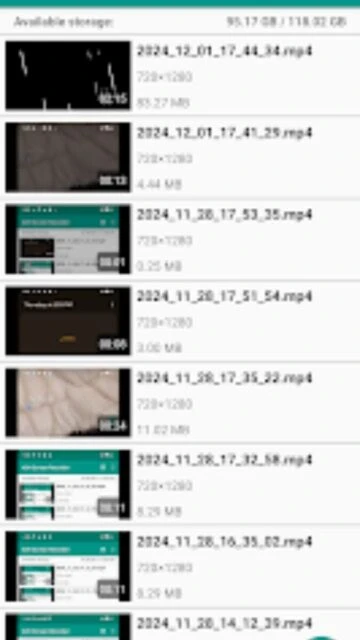
ADV Screen Recorder is a long-standing Android screen capture app focused on flexibility during recording. It offers two recording engines, on-screen drawing tools, and the ability to overlay the front or rear camera. That makes it a frequent choice among gamers, reviewers, and support teams who need more control than basic built-in recorders provide.
Why Choose ADV Screen Recorder?
The app balances power and simplicity by letting you switch between default and advanced engines, pause mid-recording, and annotate your screen live. Custom text overlays, banners, and camera picture-in-picture help brand tutorials or gameplays. With over ten million installs and steady ratings, it is a proven option for creators who want configurable quality and tools without requiring root access.
- Key benefit: Dual recording engines offer compatibility and options for performance or features.
- Another benefit: Live drawing and overlays make tutorials and explanations clearer for viewers.
- Third benefit: Custom text and banners let you add branding or labels directly onto footage.
How It Works
Once installed, grant display-over-other-apps and audio permissions, then open ADV Screen Recorder to configure resolution, bitrate, and frame rate. Choose the default or advanced engine depending on your device. Start recording from the floating control and optionally enable the camera overlay or text banner. During capture, you can pause with the advanced engine, draw on screen, and later trim recordings from within the app before exporting or sharing.
Who Should Use It?
ADV Screen Recorder is ideal for mobile gamers, app reviewers, educators, and customer support teams who need to demonstrate workflows clearly. Its live annotation tools help explain complex interfaces, while pause and resume functionality keeps long recordings manageable. If you want a free, ad-supported recorder with more creative controls than stock tools, this app fits that need.